Switch Database Server
The MySQL > Server Type page lets you choose which database server runs your MySQL databases: MySQL, MariaDB or Percona.
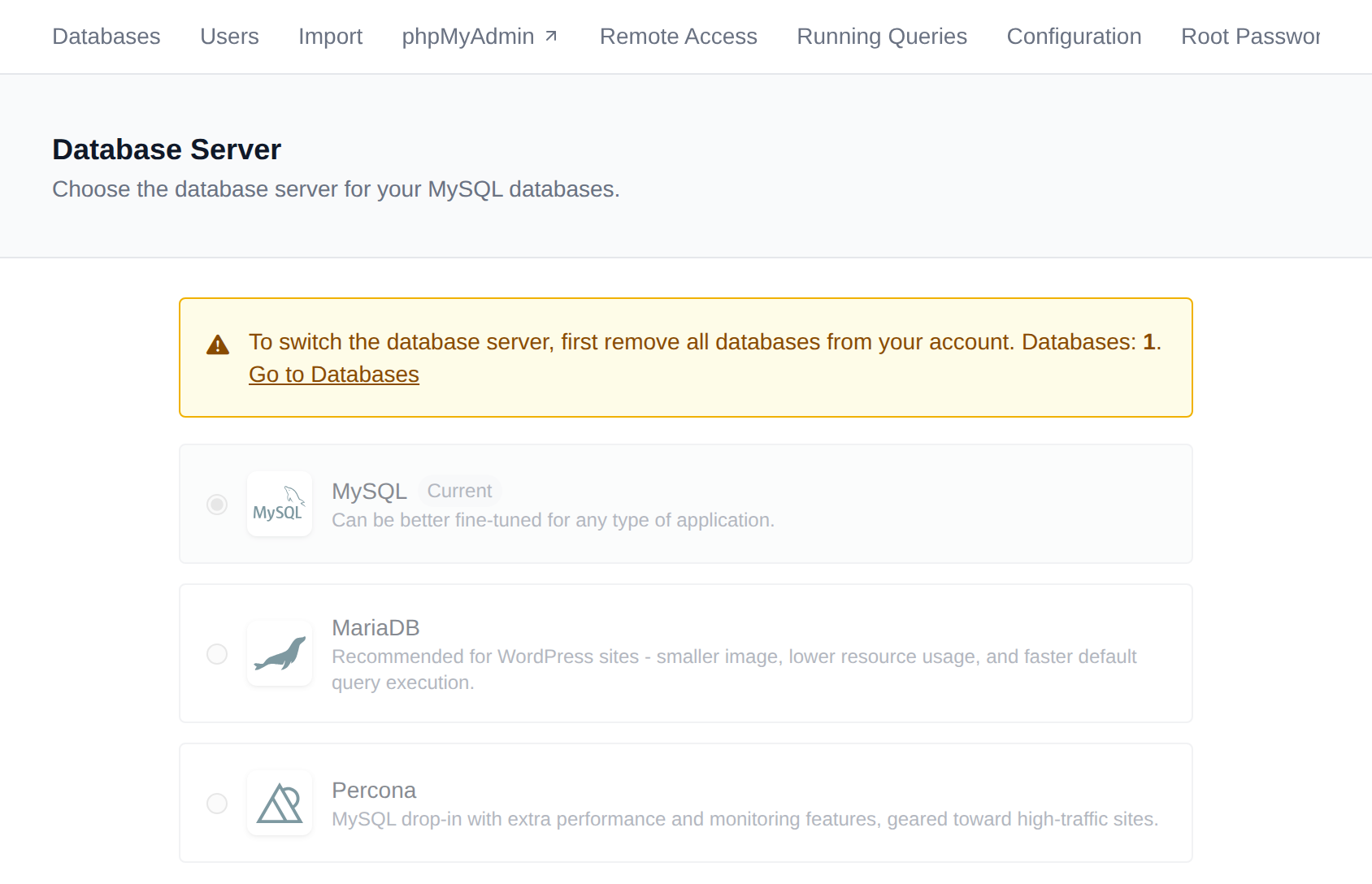
Each database server is shown as a card with a short description:
| Database server | Best for |
|---|---|
| MySQL | Can be better fine-tuned for any type of application. |
| MariaDB | WordPress sites: smaller image, lower resource usage and faster default query execution. |
| Percona | Percona Server for MySQL, a MySQL drop-in with extra performance and monitoring features, geared toward high-traffic sites. |
The database server you're using now is marked Current.
Percona is fully compatible with MySQL, so your applications, phpMyAdmin, import and export work the same way on all three.
Requirements
- Your hosting plan must include the Switch MySQL Type (
change_db) feature. - All databases must be removed from your account before switching, because switching deletes all database data. While you have databases, the page shows how many there are with a link to the Databases page, and the database servers can't be selected.
Switching the database server deletes all databases and database users. Export every database you want to keep first (MySQL > Databases > Export), and import them again after switching.
Steps to Switch
- Export the databases you want to keep, then delete them from MySQL > Databases.
- Navigate to MySQL > Server Type.
- Click the card of the database server you want to use.
- Click Switch to <database server>.
Switching stops the current database server, deletes its data and starts the new one. You can then create your databases again, or import them on the Import page.
You can also choose the database server in the onboarding wizard when you first log in.