Version: 2.0.21
Active Sessions
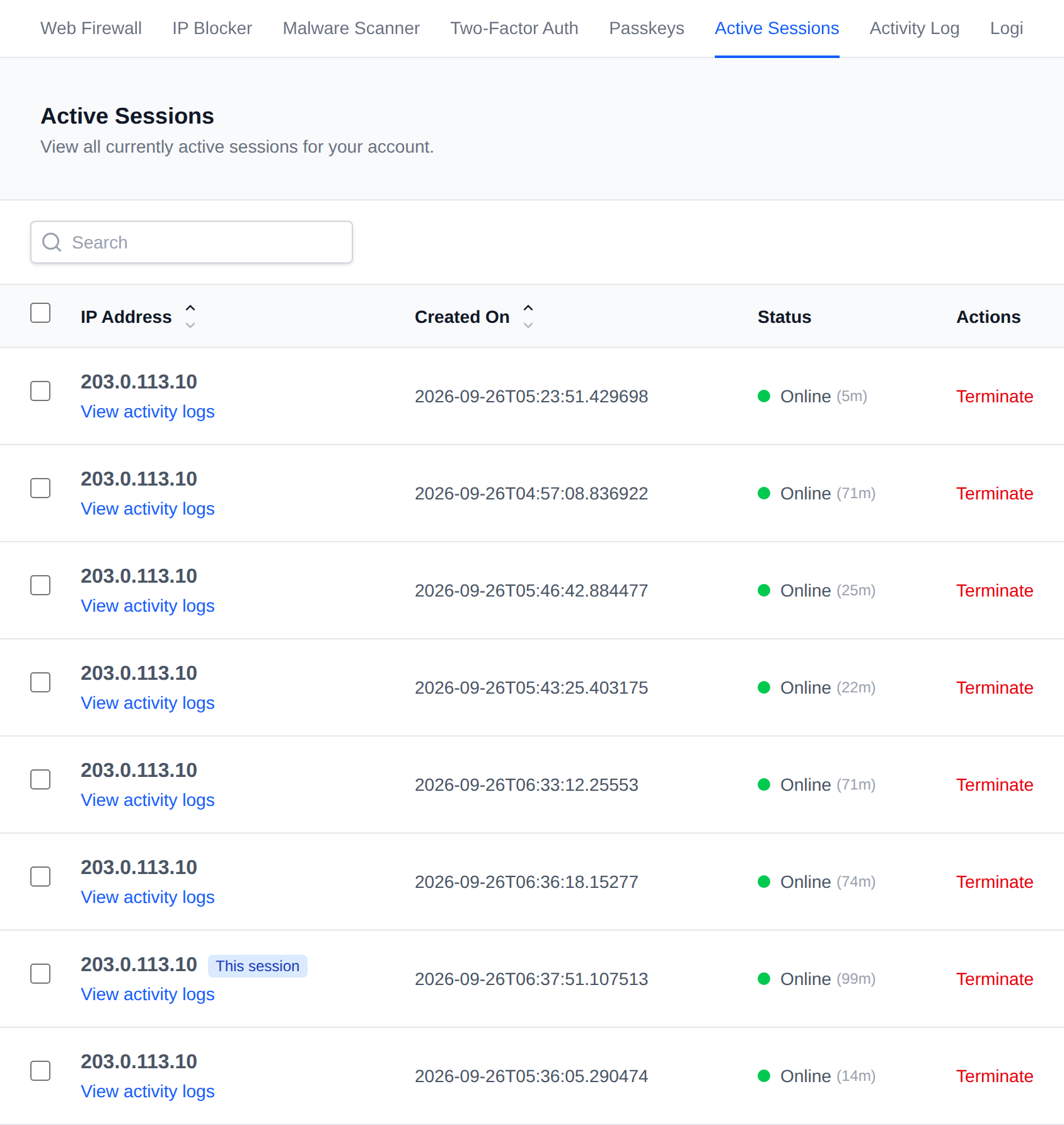
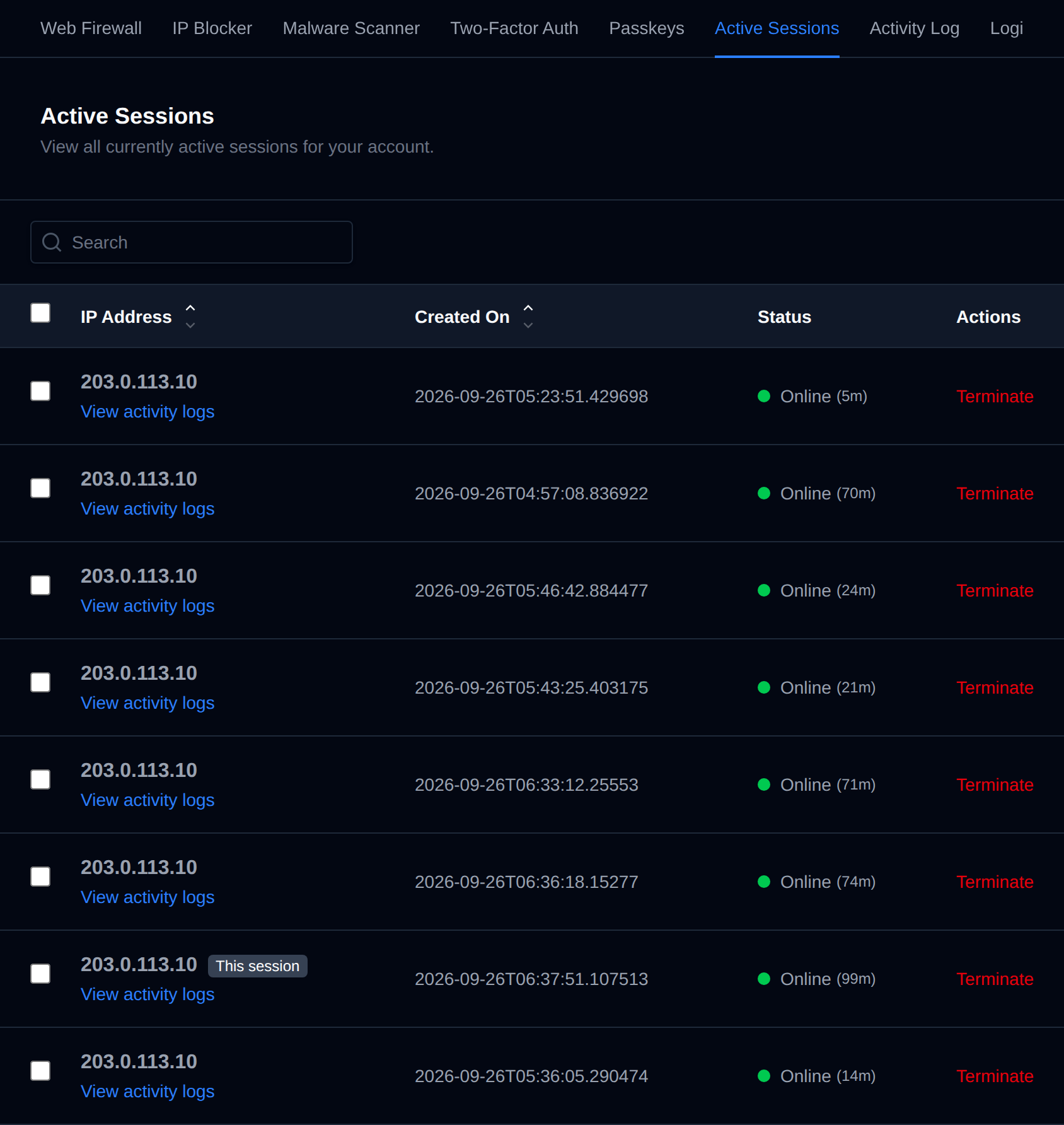
Displays current active sessions for the user account, showing the IP address, when the session was created, and its status.
Click Terminate next to a session to immediately end it and log that session out.
Bulk Actions
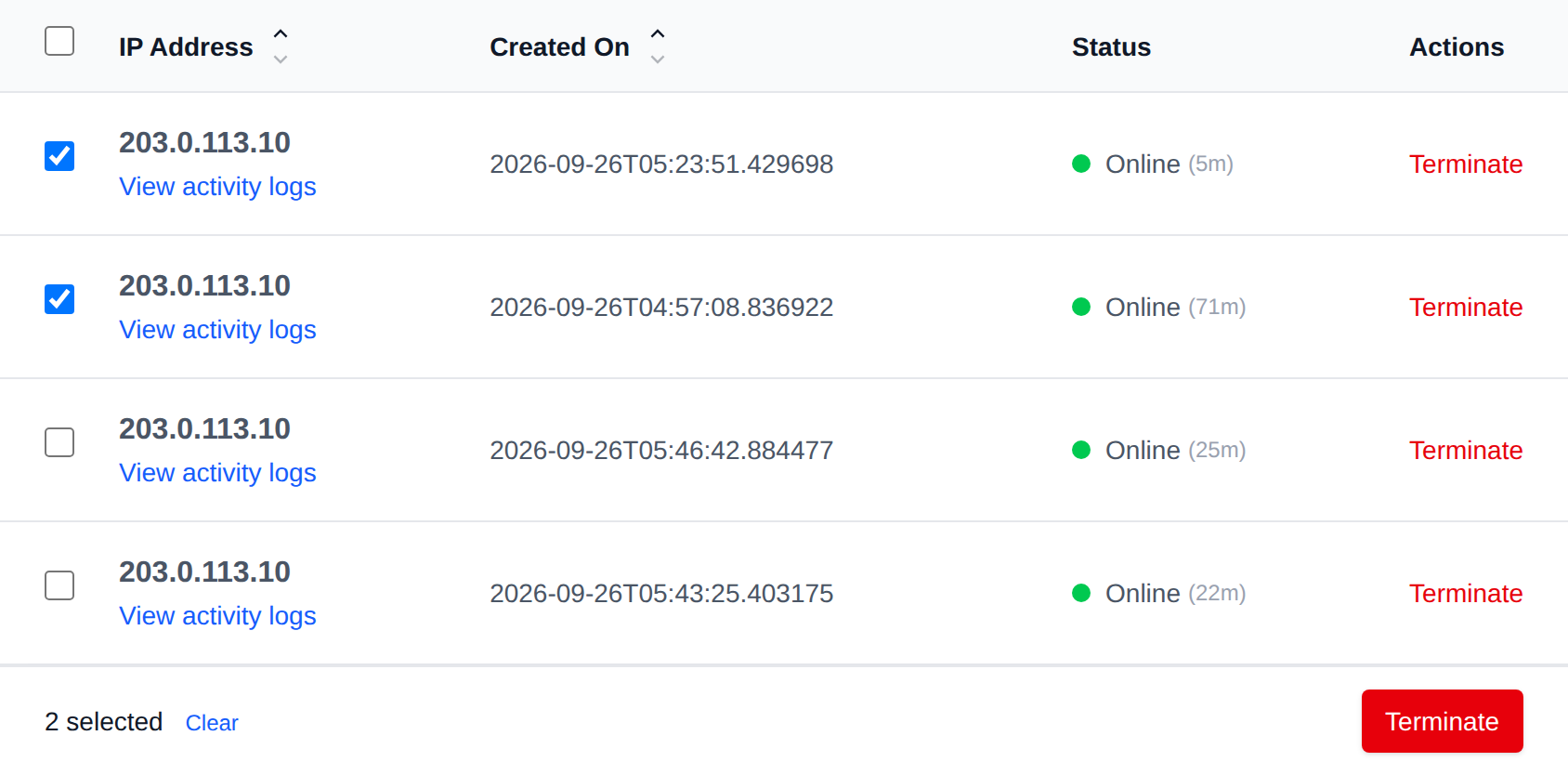
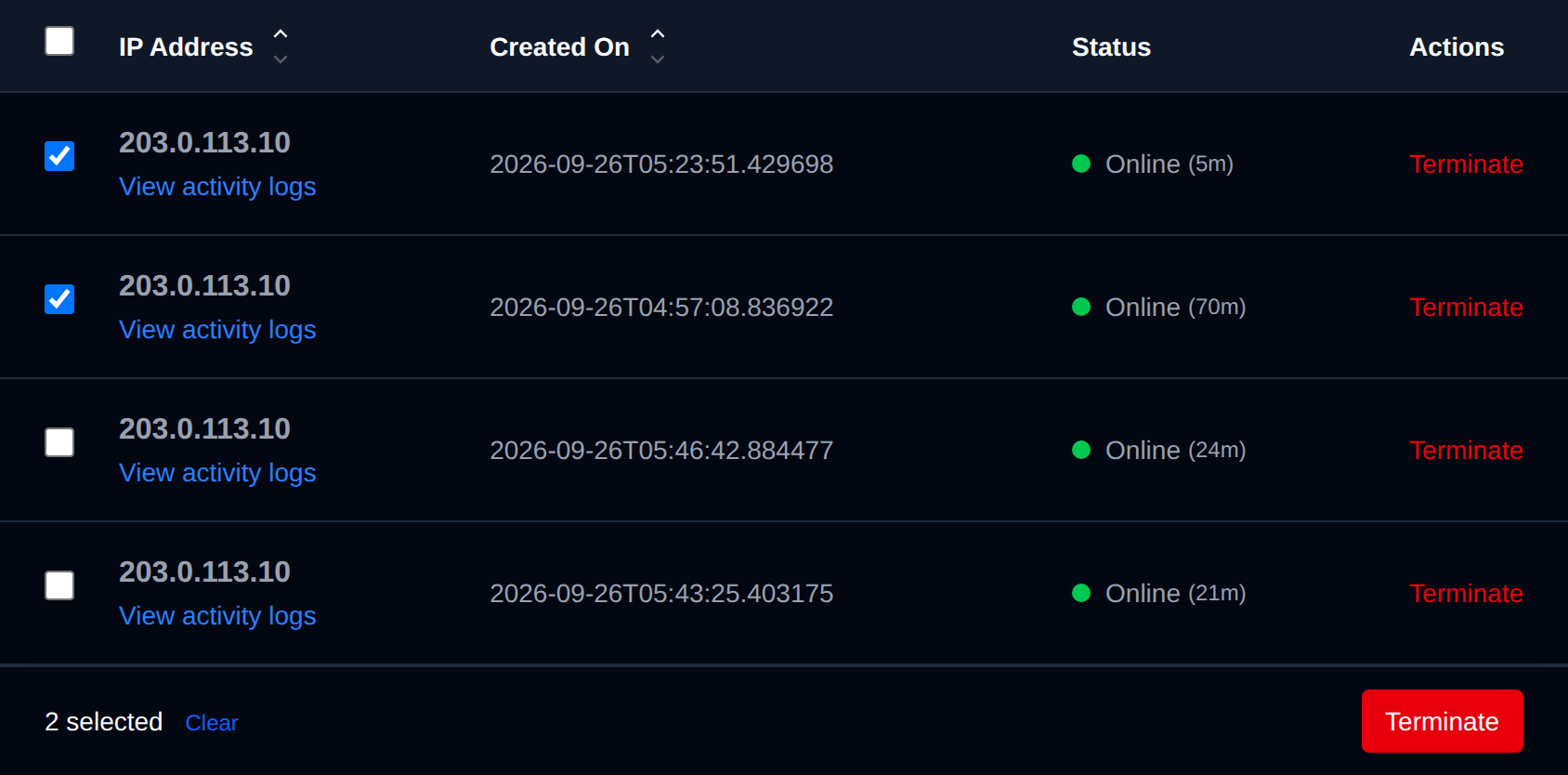
Tick the checkbox of one or more sessions, or the checkbox in the table header to select every session shown by the current search. A bar appears at the bottom of the page with the number selected, a Clear link and these actions:
| Action | What it does |
|---|---|
| Terminate | Ends the selected sessions. Anyone using them is logged out. |
Your current session can't be selected, it's marked This session in the table.
Click an action, confirm it, and it runs on the selected sessions one after another. When it's done the page reloads with a notice listing the sessions it worked for, or which ones failed and why.
Was this helpful?