Version: 2.0.21
IP Blocker
Using the IP Blocker page you can block a range of IP addresses to prevent them from accessing your websites.
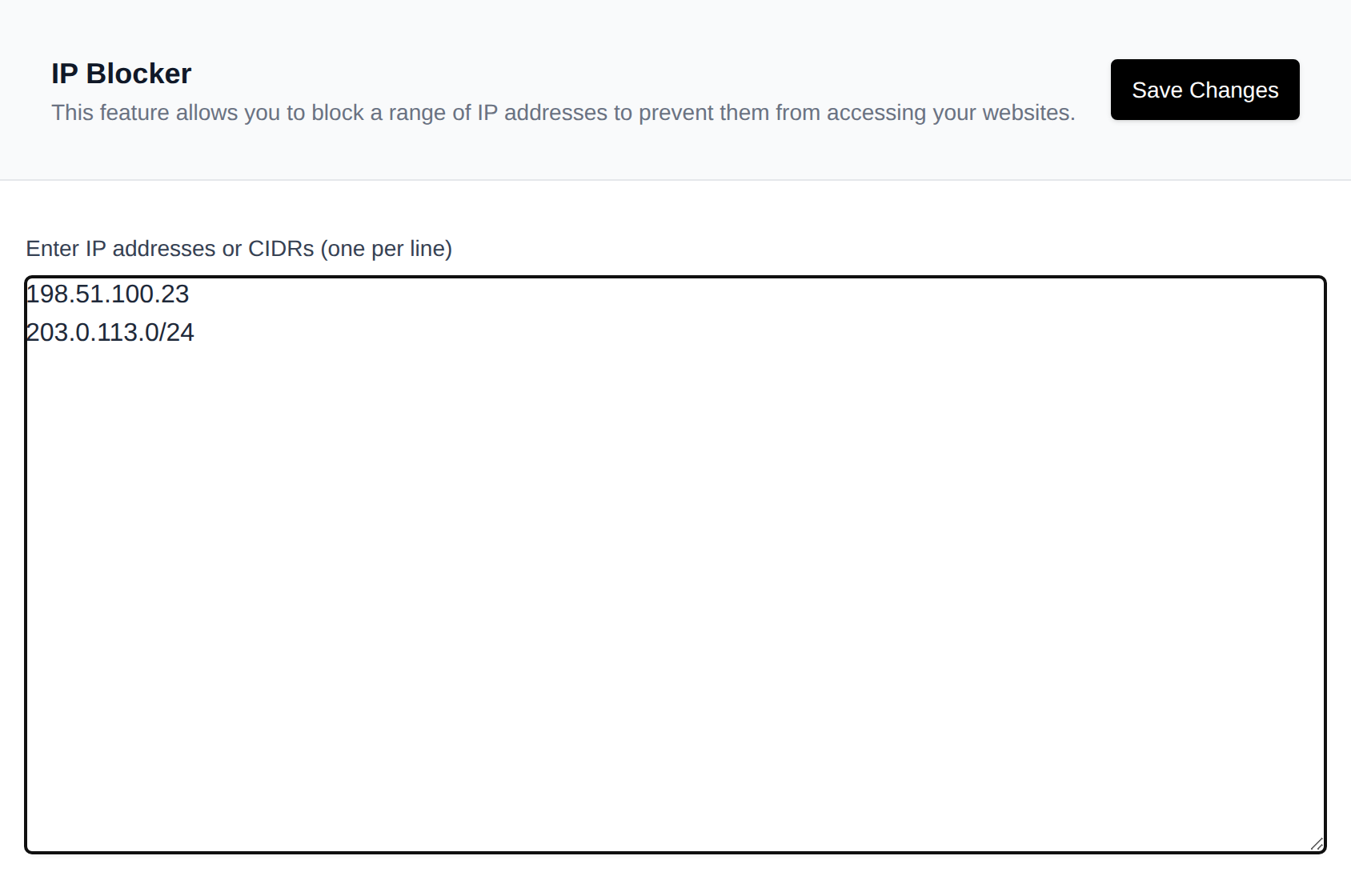
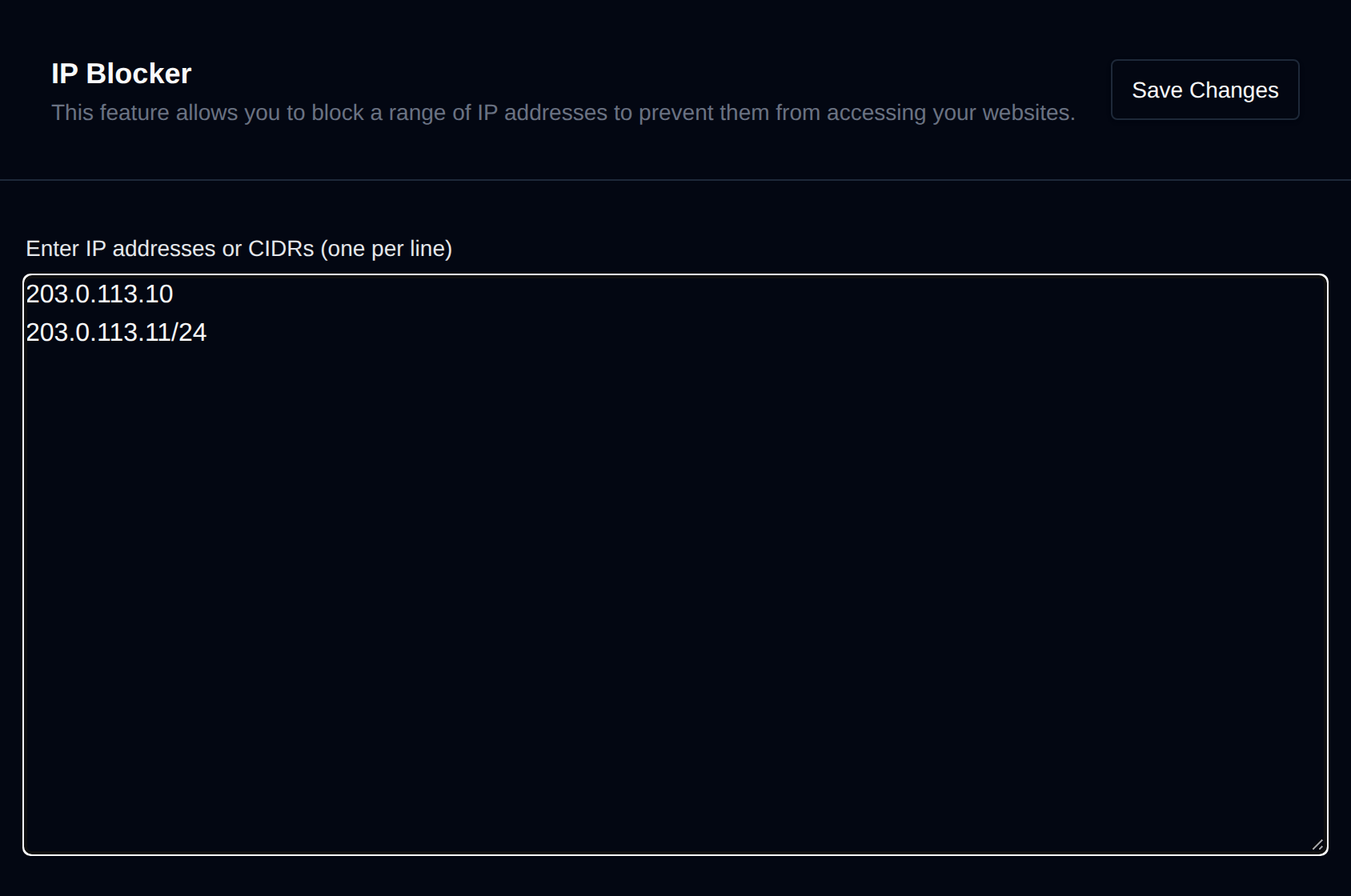
Enter the IP addresses or CIDR ranges you want to block in the textarea, one per line (e.g. 192.168.1.1, 10.0.0.0/24), then click Save Changes.
INFORMATION
To unblock all previously blocked IPs, clear the textarea and click Save Changes.
Was this helpful?