Version: 2.0.15
Change Root Password
This page lets you change the MySQL/MariaDB root user's password for your account's database service.
Usage
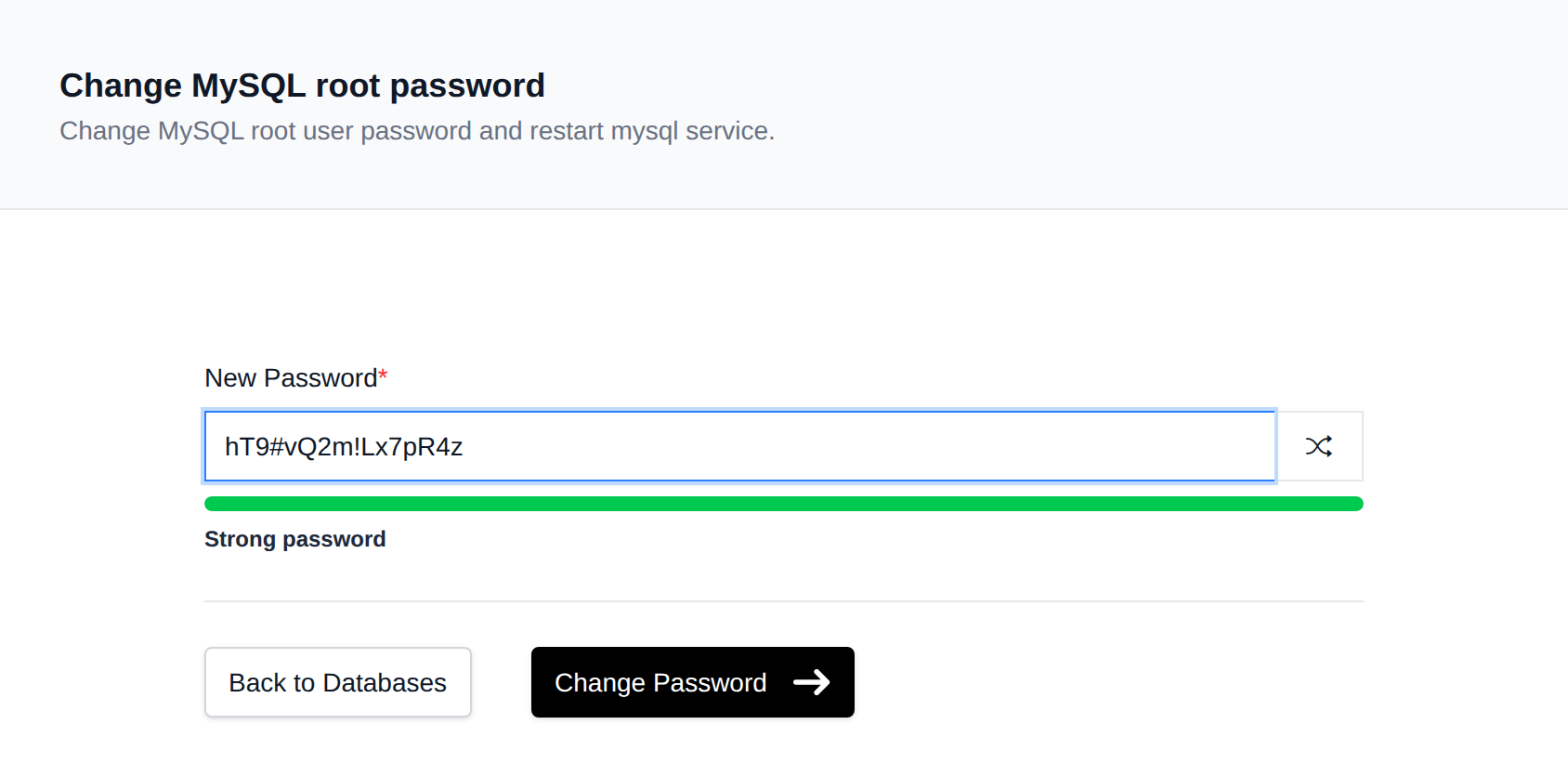
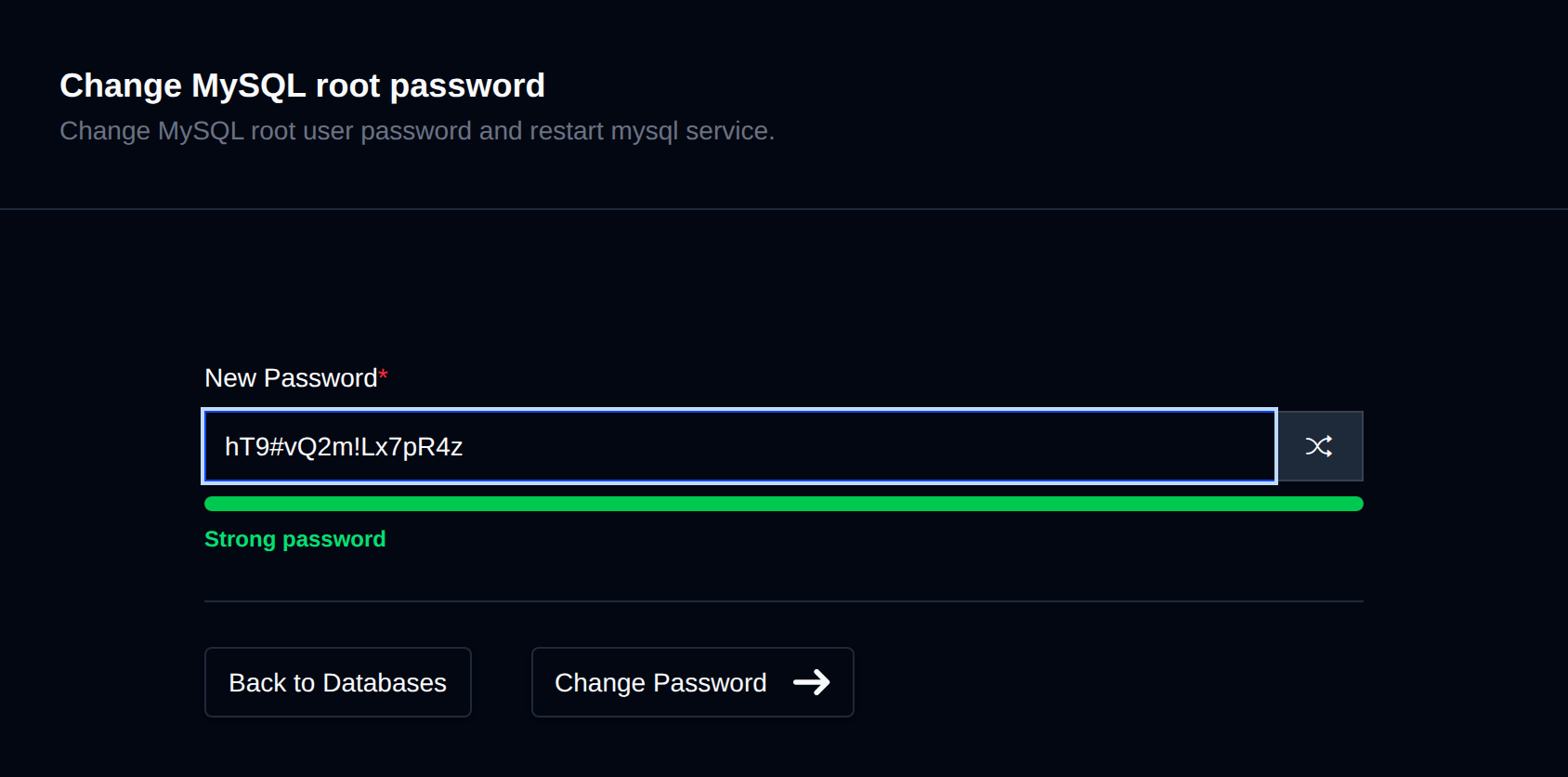
- Open OpenPanel and navigate to MySQL > Root Password.
- Enter the new password.
- Click Save (or equivalent) to apply it.
Behind the scenes, the panel updates the root user for both % (remote) and localhost hosts, flushes privileges, saves the new password to your account's my.cnf, and restarts the database container so the new credentials take effect immediately.
DANGER
There's no way to view the current root password from the panel — this page only sets a new one. If the root password is lost, this is the way to recover access.
Was this helpful?