Error Logs
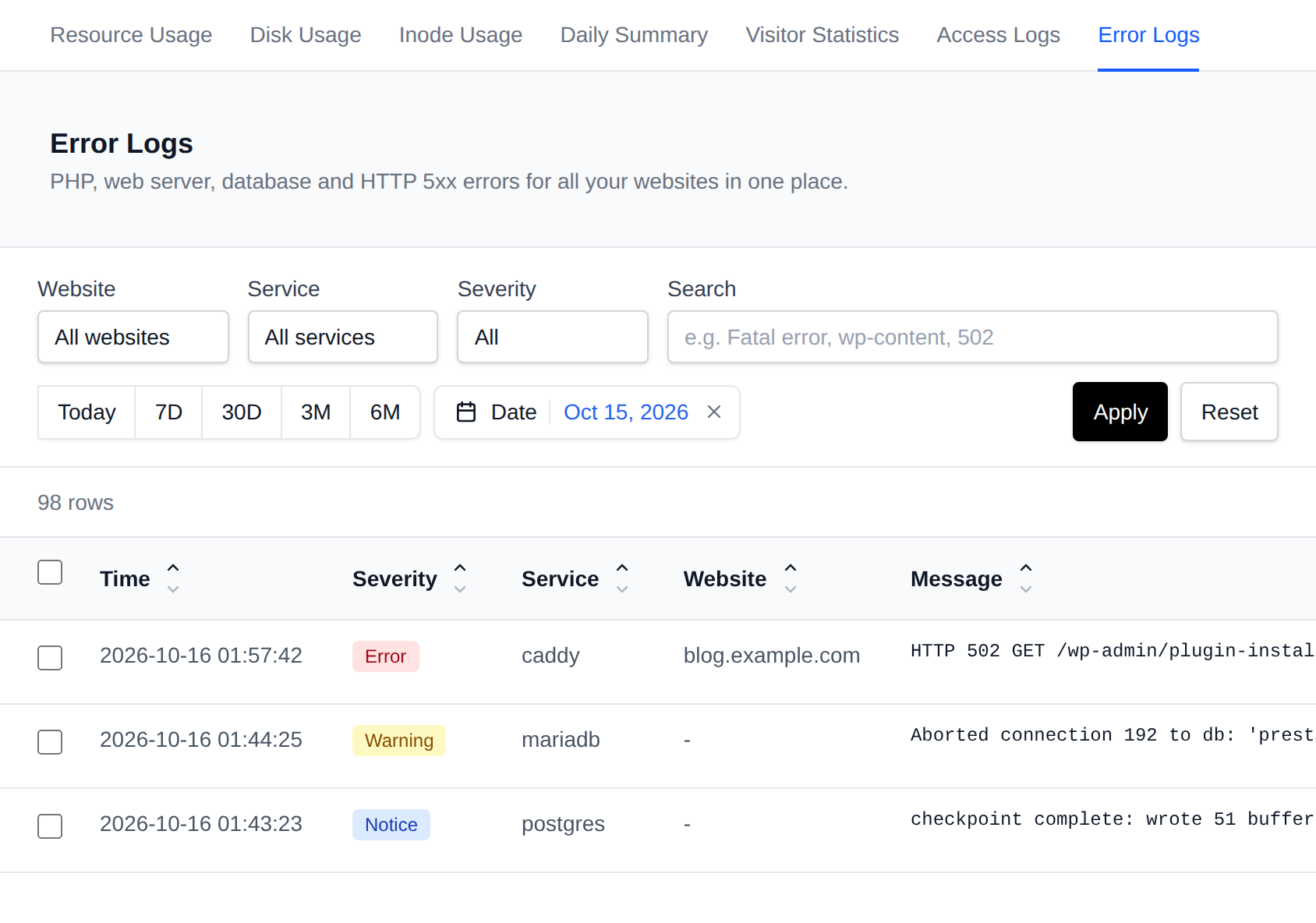
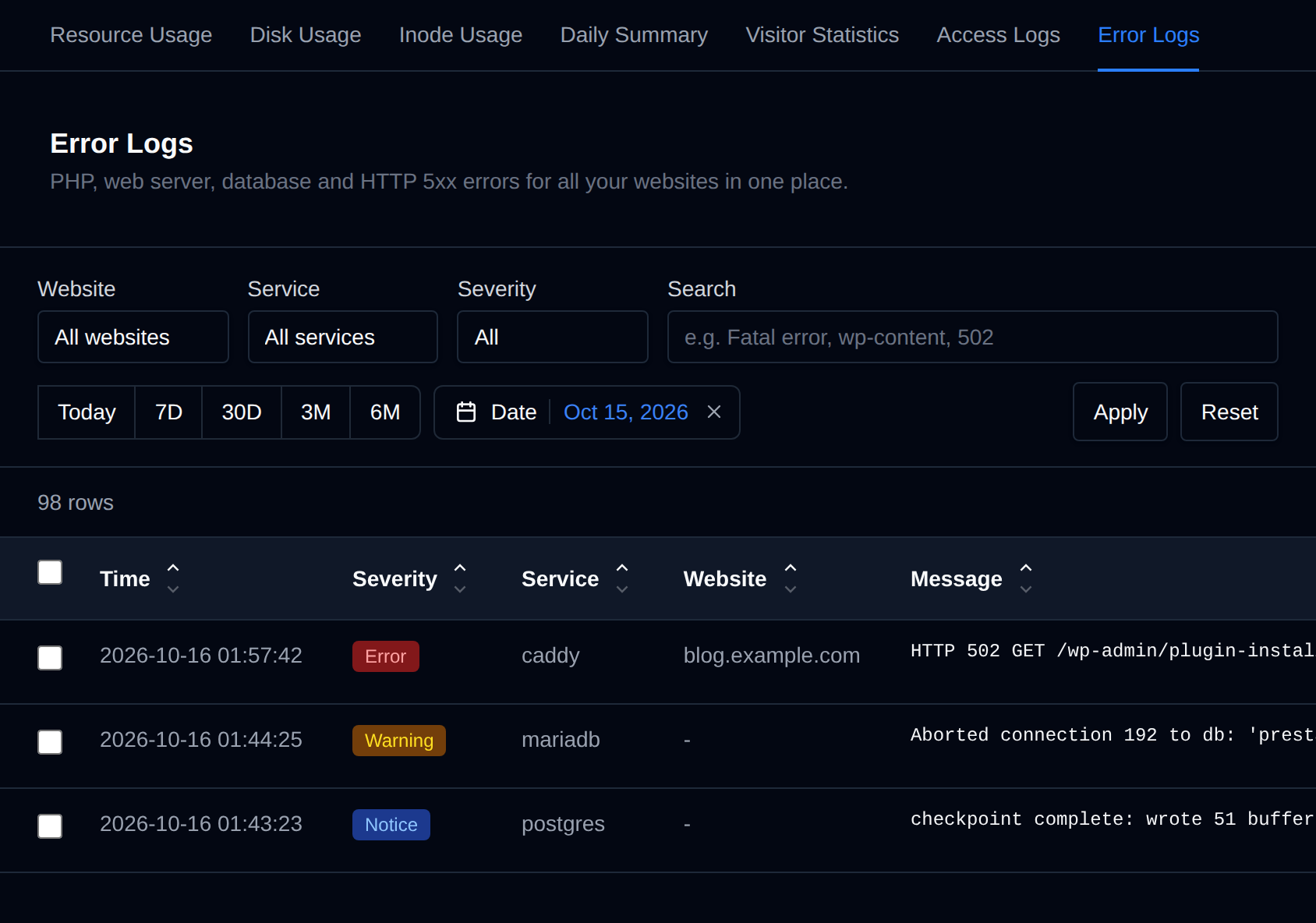
The Statistics > Error Logs page shows the errors of all your websites in one place, so you don't need to know which service or container to check.
If you do not see the Error Logs page, ask your provider to enable the Error Logs module for your hosting plan.
Errors are collected from:
- PHP: warnings, notices, deprecations, fatal errors with their stack trace, and messages written with
error_log(), from every PHP version you use. - Web server: errors and warnings from Apache, Nginx, OpenResty, OpenLiteSpeed or LiteSpeed. With OpenLiteSpeed or LiteSpeed, PHP runs inside the web server, so PHP errors are listed under that service instead of a PHP version.
- Database: errors and warnings from MySQL, MariaDB or PostgreSQL. Startup messages are left out.
- Applications: errors from Node.js, Python, Ruby, Java and n8n applications, and from containers connected to a domain, with their stack traces. Applications print all their output, so only lines that look like errors or warnings are shown.
- HTTP 5xx responses: requests to your domains that ended with a 500, 502, 503 or 504 error.
Each row shows the time in your browser's timezone, the severity, the service it came from, the website it belongs to and the message. Click a row to see the whole message with its stack trace. Click a column name to sort by it, severity sorts from Critical down to Info.
Filtering


- Website: one of your domains, or a website installed in a subfolder like
example.com/blog, listed under its domain. A PHP error is matched to a website by the path of the file that caused it, and a 5xx response by the requested URL. Picking a domain also shows the errors of the websites in its subfolders. - Service: one source, for example a single PHP version, the web server or one application.
- Severity: everything, only warnings and errors, or only errors.
- Search: only entries whose message contains the text, for example
Fatal error,wp-contentor502. - Date: today, the last 7 or 30 days, 3 or 6 months, or any range picked in the calendar. Without a date, the newest entries are shown.
Errors are shown 100 per page, newest first, up to the newest 5,000. If there are more, narrow the filters to see the rest.
Sharing errors with support
Select errors with the checkboxes, or all of them with the checkbox in the table header, and use the bar at the bottom of the page:
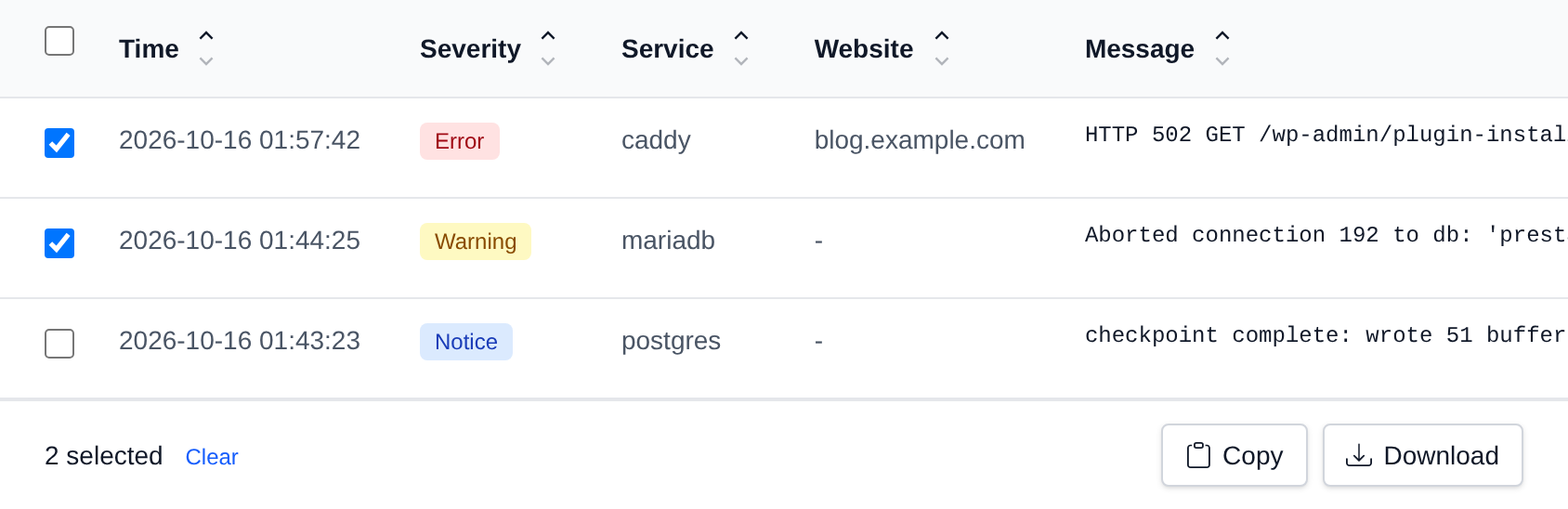
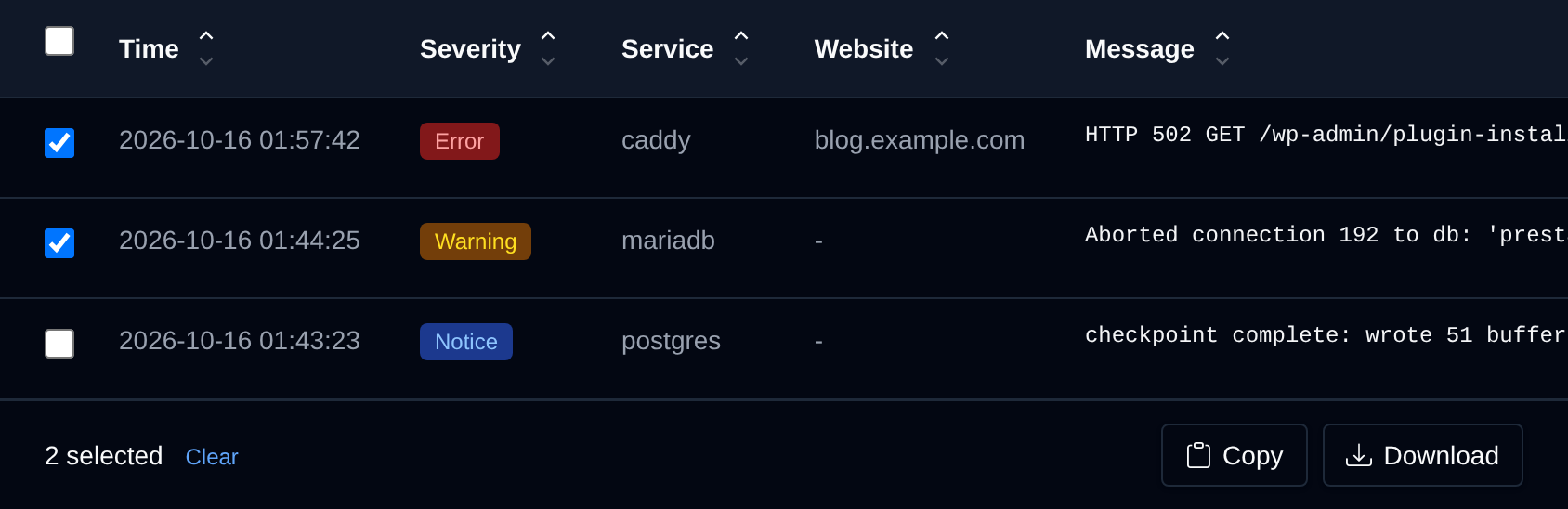
- Copy puts the selected errors on your clipboard.
- Download saves the selected errors as a
.txtfile.
Both give one line per error with the time in UTC, severity, service, website and message, ready to paste into a support ticket.
Daily error report
To get the errors by email once a day, turn on Daily error report on the Notifications page.
Applications that write their own log files are not shown here. For example, WordPress with WP_DEBUG_LOG enabled writes to wp-content/debug.log, which you can open from the File Manager. The latest errors of a WordPress site are also shown on its Debugging tab.